Getting Started
A quick orientation to signing in and creating your first project. For the full feature reference, see the User Guide once you're signed in.
1. Sign In
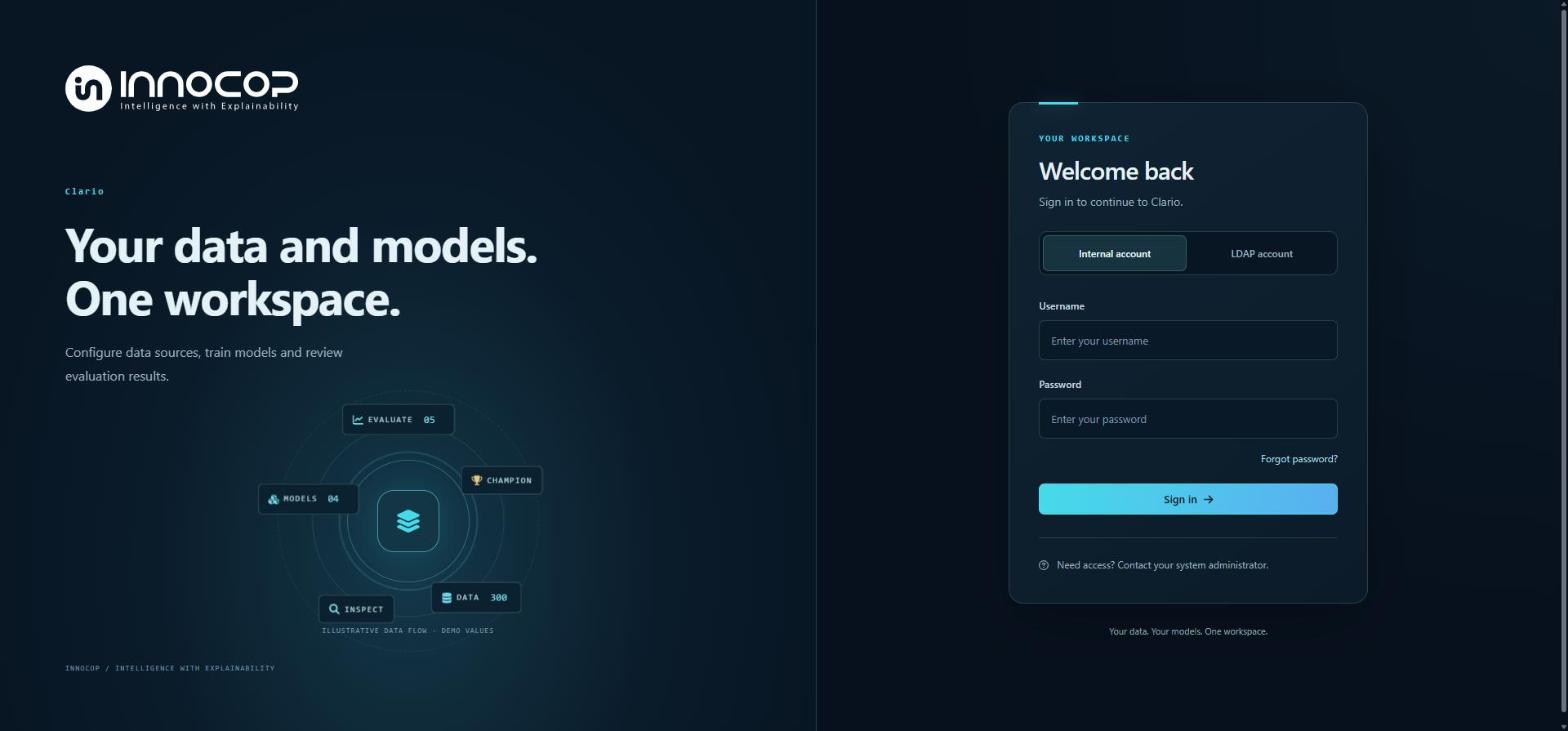
Open Clario Studio in your browser and sign in with either an Internal account (username/ password managed in Clario Studio) or an LDAP account (your organization's directory), issued by your administrator.
2. Orient Yourself on Overall View
After signing in, you land on Overall View - a workspace-wide summary of your projects, training sources, and saved models. The left sidebar groups navigation into Workspace (dashboard and project list), Project workflow (appears once a project is selected), and Operations/Administration.
3. Create Your First Project
Select + Create project, give it a name and an optional description, then select Create project.
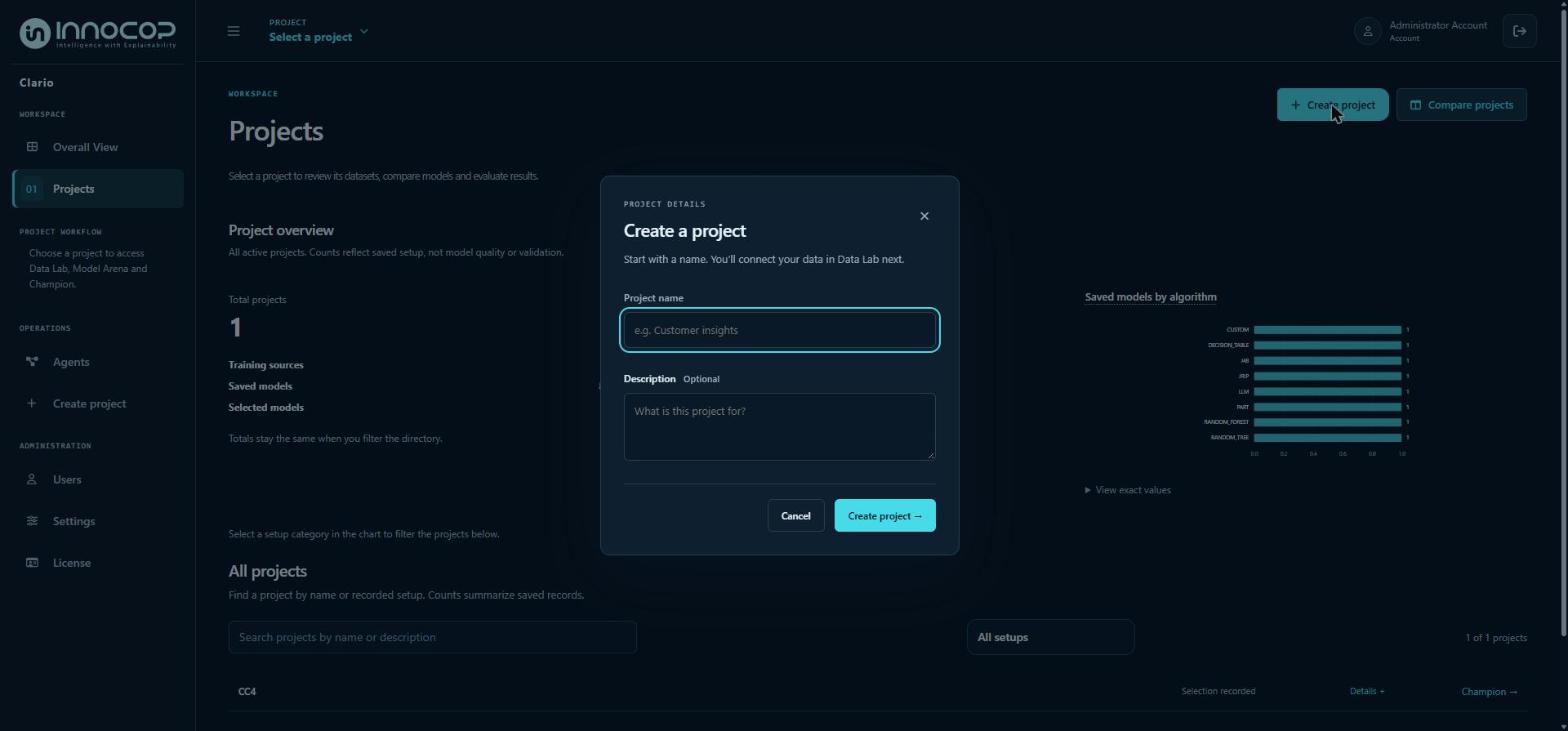
Clario Studio takes you straight into that project's Data Lab, where you'll connect a training data source. From there, a project moves through three stages:
- Data Lab - connect and inspect training data.
- Model Arena - configure and train models.
- Champion - promote a model and run predictions/evaluations.
Next Steps
- User Interface - the full workspace layout and project management reference.
- Data Lab - connecting and preparing training data.
- Model Arena - configuring and training models.
- Champion - predictions, evaluation, and explainability.